Organizer Preferences
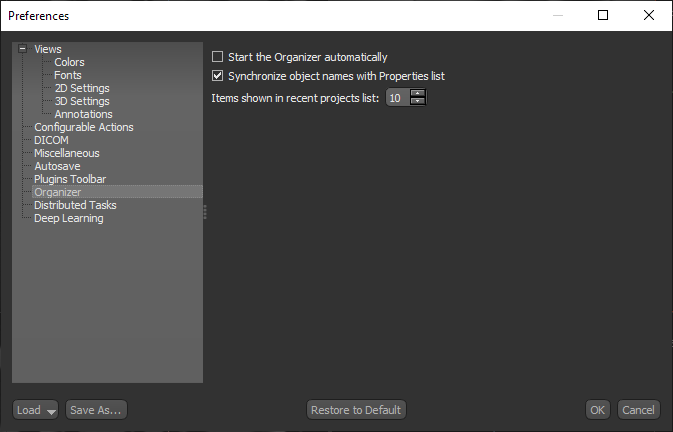
The Organizer preferences let you choose a number of settings for Dragonfly's Organizer. Choose Organizer in the Preferences dialog to open the Organizer preferences, shown below.
Organizer preferences
| Description | |
|---|---|
| Start the Organizer automatically | If selected, the Organizer will appear automatically when the application is launched. |
| Synchronize objects names with Properties list | If selected, changes made to the name of an item that was loaded from the Organizer will be updated automatically. |
| Items shown in recent projects list | Lets you choose the maximum number of items that will be listed in Recent list on the left sidebar of the Organizer. |